


Check available credit Credit
See how much you can use in the app. Check your available credit.



Use available Mocasa credit for eligible in-store and online payments, bills, and prepaid load.
See how much you can use in the app. Check your available credit.

Shop online, scan QRPh, pay bills, or buy load. Shop, scan QRPh or pay bills.

See the amount and due date before you confirm. Review costs and due dates.

Use available Mocasa credit to scan supported QRPh codes at participating stores.
Scan QRPh at supported stores
with available Mocasa credit.
 In-store payments
In-store
Supported QRPh
Supported
Clear details
Clear
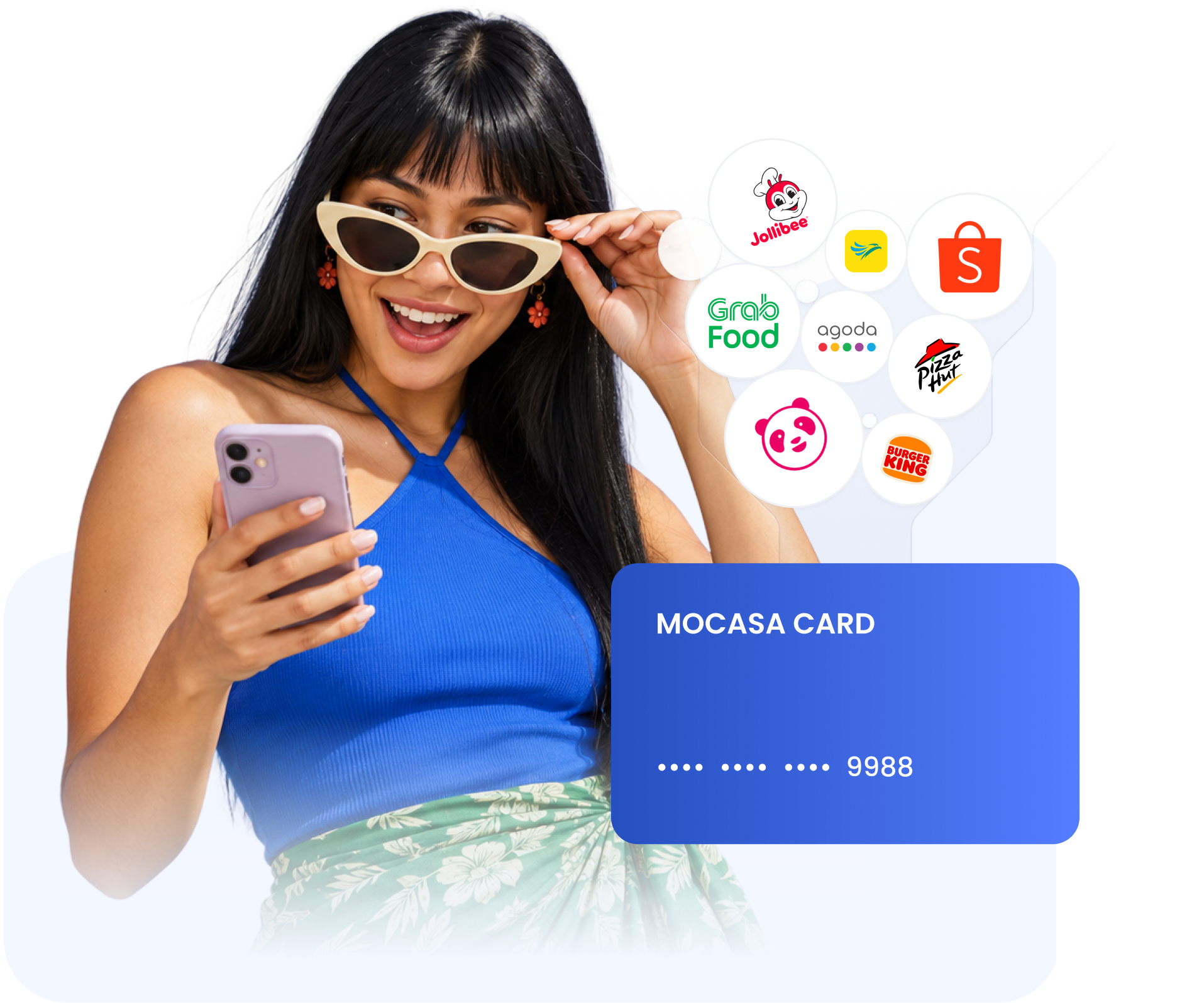
Use your Mocasa virtual card for eligible purchases, bookings, deliveries, and digital services.
Make eligible online purchases
with your Mocasa virtual card.
Shopping
Online
Travel
Travel
Delivery
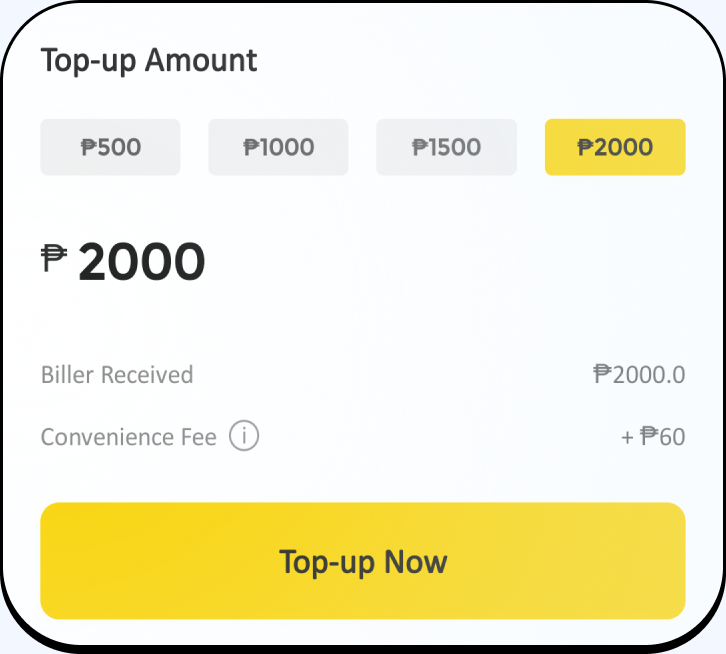
DeliverySettle eligible utility bills directly in the Mocasa app.
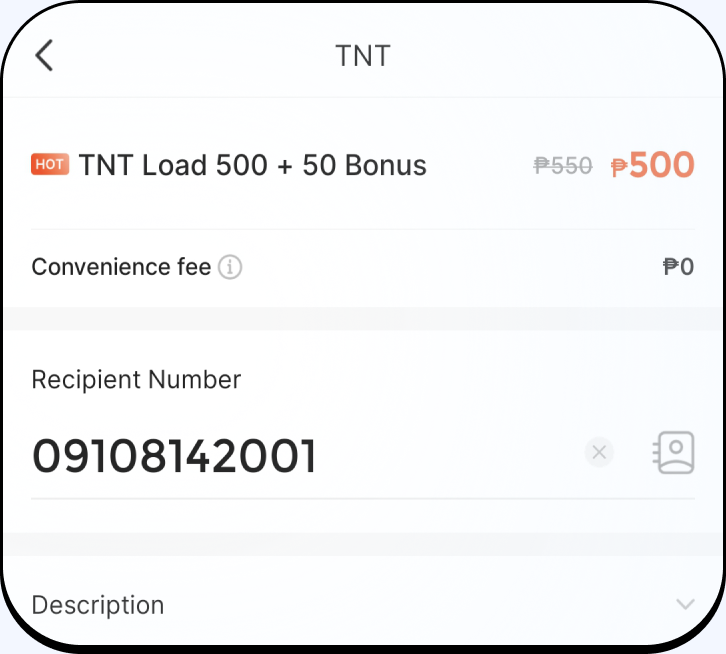
Purchase prepaid mobile load and data from supported providers.
Create a virtual Mastercard for one eligible online purchase.
Set the amount you plan to spend.
Use the card for one eligible purchase wherever Mastercard is accepted online.
You’re billed for the completed purchase amount.




















Find answers about One-time Cards, QRPh payments, bills, load, and repayments.
View all FAQs
A One-time card is created in the Mocasa app for one online purchase. Each new card has its own card number and can only be used once.
You can use your Mocasa Credit in franchise stores, gas stations, restaurants, boutiques, supermarkets, to buy load, to pay bills, to buy insurance, and shop in any other partnered merchants of Mocasa, online or in-store.
You only repay the amount that you used to make purchases. You don’t need to repay any if you didn’t pay transactions with Mocasa Credit.
You can repay your loan with your bank cards, on a machine in the convenience stores, by sending money to us from your GCash or other e-wallets.
Please cancel your transactions under the help the merchant owners where you shop.
Please contact our customer service in Mocasa app to delete your information on Mocasa.